




TL;DR:
- A website redesign should start with strategy, not visuals
- Understand how users currently navigate your site
- Fix the structure before designing the pages
- Prioritise user journeys and onboarding UX
- Use design to improve clarity and conversions
Most companies know their website needs a redesign long before they start one.
The signals are familiar. A product that has outgrown the page, trying to explain it. Features that exist in the product but barely appear on the site. Messaging that evolved while the old copy is still on your website. Eventually, the website stops feeling like a designed experience and starts feeling like a collection of pages built at different moments by different teams.
When teams start trying to improve product UX, the first step is recognising the signals that the experience is not working the way users expect.
When that realisation arrives, the instinct is to open Figma and start sketching new screens. New layouts. A fresher look. Something that finally feels like the company you've become.
But the real website redesign process rarely begins with design.
It begins with a harder question: what is this website actually supposed to do now?
What Is a Website Redesign Process?
The website redesign process refers to the structured approach companies follow when rebuilding or significantly improving their website. It typically includes analysing the current website, defining business goals, restructuring content, redesigning key pages, and launching an improved experience.
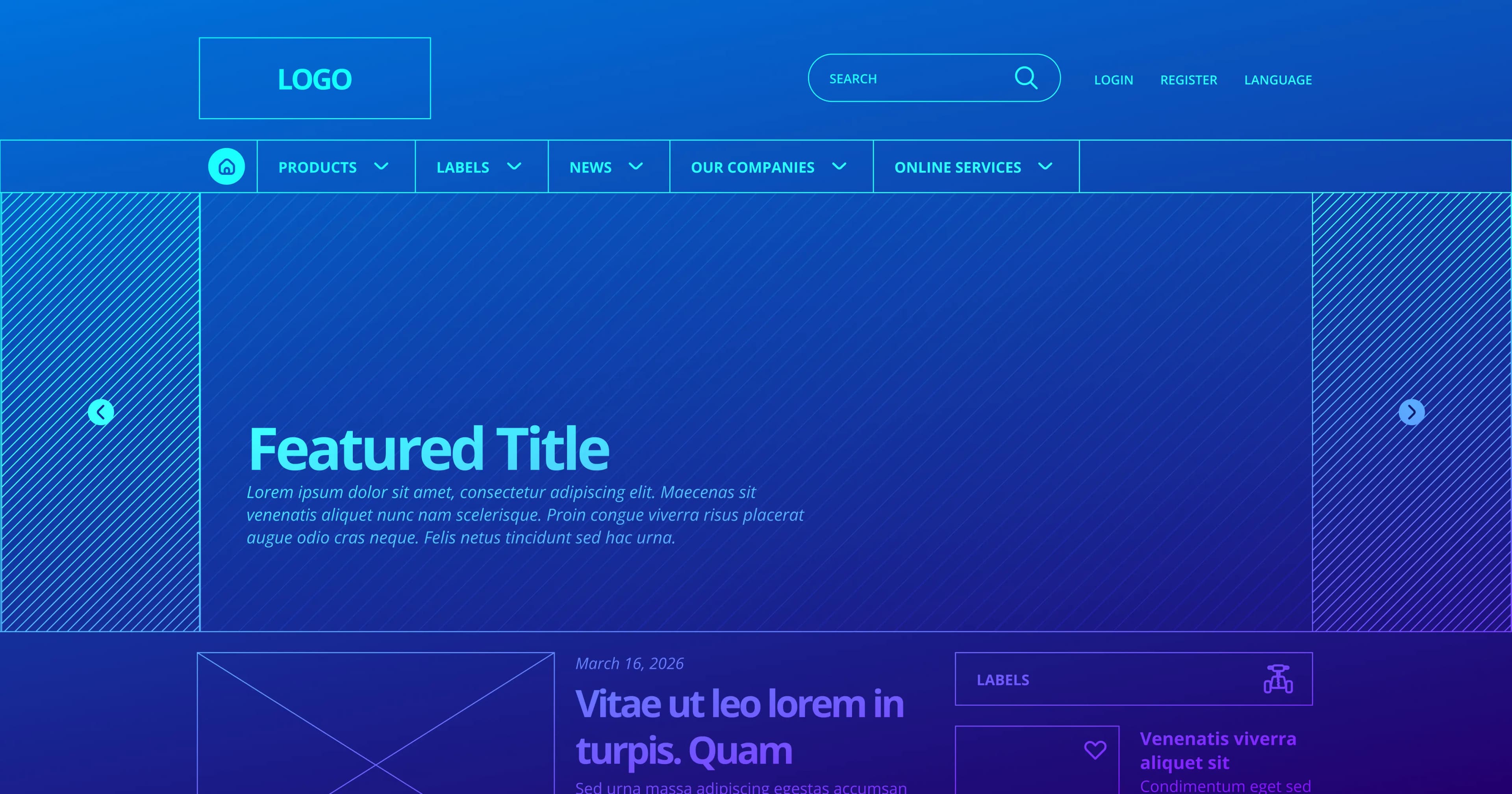
Most people picture visuals when they imagine redesigning a website. New wireframes. Better typography. Cleaner interfaces. Those things matter, but they're rarely where the most consequential decisions happen.
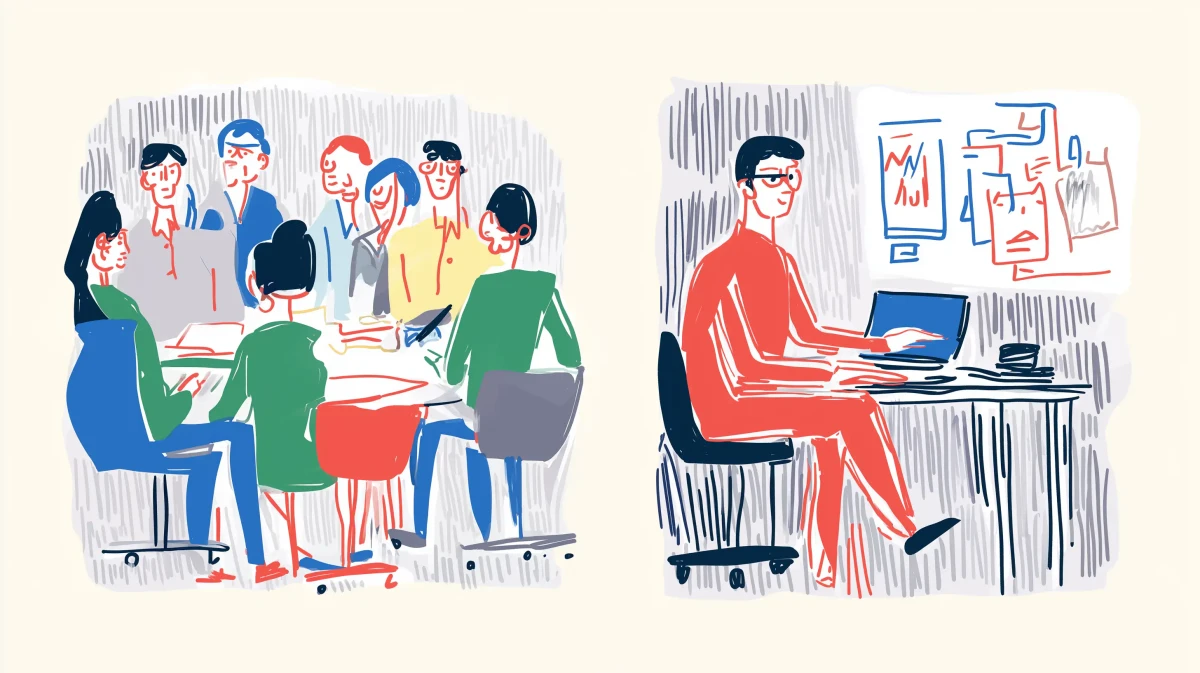
A well-thought-out website redesign process starts by examining the current site as a system. How people arrive. What they understand immediately. Where they slow down, get confused, or just leave.
The aesthetics of a website or how dated it looks is rarely a problem. The real problem is that the website no longer reflects what the product has become. Products evolve fast. Websites, unless someone is actively maintaining them, stay frozen at the moment they were last rebuilt.
A redesign is the moment those two things are finally brought back into alignment. That work starts long before anyone opens a design tool.
Step 1: Understanding the Current Website Before Changing Anything
The first useful step in redesigning a website is observation.
Some questions you need to ask before deciding to redesign your website:
- Which pages attract the most traffic?
- Where do visitors drop off?
- Which sections do people reach but seem unsure what to do with?
Analytics reveal some of this. User testing reveals considerably more.
It's common to discover that visitors only understand the product after navigating through several pages that should have explained it upfront. Or that crucial information exists somewhere on the site, it's simply hard to find.
This stage of the website redesign process rarely produces dramatic output. But it exposes the real gaps between what the company believes the website communicates and what visitors actually understand.
That gap is usually where the real redesign work begins.
Step 2: Clarifying the Role the Website Should Play
This is often the most important conversation in the entire process and the one most teams skip.
Many websites try to do too many things at once.
They act as marketing sites, product explainers, documentation hubs, and sometimes even onboarding environments. Over time, the experience becomes fragmented.
Different answers produce fundamentally different websites. Once the role becomes clear, the rest of the website redesign plan usually becomes clearer. Navigation simplifies. Messaging becomes sharper. Entire sections of the site sometimes disappear because they were never essential in the first place.
Step 3: Looking at How People Actually Move Through the Site
Visitors rarely follow the journey designers imagined.
Some arrive through search and land deep inside the site, having never seen the homepage. Others start with a blog post. A surprising number go straight to pricing before they fully understand what the product does.
A stronger UX website redesign focuses on journeys rather than individual pages i.e., how someone discovers the product, how they evaluate it, and what information helps them move forward with confidence. When those journeys are mapped clearly, improving the overall website user experience becomes far more straightforward. Pages stop behaving like isolated pieces of content and start functioning as parts of a structured narrative.

Step 4: When the Website Structure Is the Real Problem
Over time, most websites grow in ways that make sense in the moment but become confusing later.
A new section for a campaign. Slightly expanded navigation. A few extra pages were added as the product grew. None of these decisions seems significant individually. But after a few years, the structure feels heavy. Important information ends up in unexpected places. Similar content is scattered across multiple sections.
Visitors can find what they need, but it just takes more effort than it should. And users rarely tolerate friction for long.
Reorganising that structure is often the single most impactful part of the entire website redesign process. Once it's clear, the design work that follows moves much faster.
Step 5: Designing a Modern Website Without Sacrificing Clarity
By the time designers begin exploring layouts, most of the hard thinking should already be done. The role of the website is defined. The structure makes sense. Key journeys are mapped.
Now the work becomes visible: page layouts, typography, visual hierarchy, and interaction patterns that guide visitors without friction. Teams often frame this as building a modern website redesign. But the real goal isn't polish.
It's clarity. Helping visitors understand what the company does within seconds. Helping them navigate without hesitation and move naturally toward the next step.
Website Redesign vs Website Refresh
Not every improvement requires starting from scratch.
Sometimes the structure still works. Visitors can find information easily, and the site still represents the product accurately. In those cases, a refresh might be enough.
A website refresh usually involves visual updates, improved copy, and layout refinements while keeping the overall structure intact.
A website redesign, on the other hand, takes a deeper look at how the website works. Navigation may change. Pages may be reorganised. Messaging may evolve to reflect a new stage of the product.
A simple way to decide between the two is to ask one question.
Is the structure still helping people understand the product?
If the answer is no, a more deliberate website redesign process is usually necessary.
When Should You Redesign a Website?
Usually, the decision builds slowly rather than arriving all at once.
The product evolves faster than the website explaining it. Marketing creates more and more standalone landing pages because the main site can't accommodate new messaging. Visitors arrive but still struggle to articulate what the product actually does.
These signals appearing together mean the same thing: the website has stopped serving the product. A website redesign plan that is built around clearer messaging, stronger user journeys, and a more effective conversion path is usually what's needed to close that gap.
Why Many Companies Involve a UX Agency
Website redesigns have a way of becoming bigger than they first appear.
What starts as a design project gradually surfaces deeper questions about positioning, messaging, and how the website actually supports growth. Conversations shift from page layouts to product thinking. Teams that expected a visual refresh find themselves rethinking how the company is explained.
This is why many companies bring in a UX or product design agency, like Sparklin, rather than handling a redesign with the help of a freelancer or entirely in-house. Agencies bring researchers, strategists, and designers into the same process, allowing the website to be examined from multiple angles at once. They also carry experience from other products navigating similar transitions, and that outside perspective surfaces opportunities that internal teams, too close to the product, haven't had the space to see.
A Website Redesign Is Usually the Beginning
When a redesigned website launches, it often feels like the finish line.
In reality, it’s just a starting point.
Once the site goes live, real behaviour begins to appear. Visitors move through the pages in ways no one fully predicted. Some journeys work beautifully. Others reveal new friction.
The most effective teams treat the website redesign process not as a one-time project but as the moment when the website becomes easier to evolve.
Because the goal is rarely just a new website.
The goal is a website that continues improving as the product itself grows.
Website Redesign Process FAQs
How long does a website redesign process take?
Most redesigns take between 8 and 16 weeks, depending on complexity, number of pages, and research required.
What is the difference between a website redesign and a website refresh?
A refresh improves visuals and copy. A redesign restructures navigation, messaging, and user journeys.
How often should a website be redesigned?
Most companies revisit their website every 2–4 years as products evolve and markets change.
What is the most important part of a website redesign?
Understanding user behaviour and aligning the website structure with how people evaluate the product.